

A Seiler Design Solutions Guide to the Autodesk Data Exchange Connector
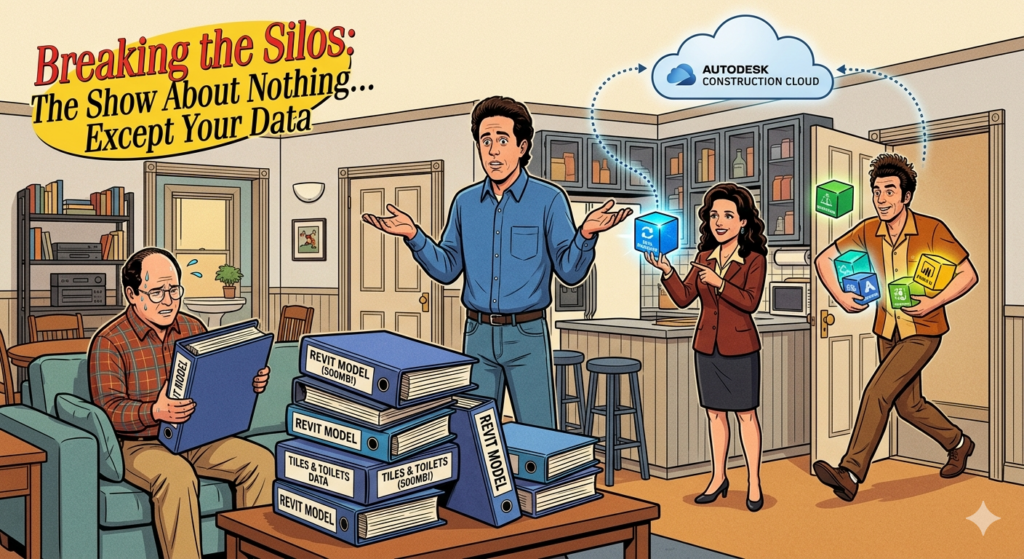
JERRY: (Standing on a small stage with a brick background) “What is the deal with Revit files? Have you seen these things? 500 megabytes. A gigabyte! You want to show a consultant a single HVAC duct, and you have to send them the entire building. It’s like inviting someone over for a cup of sugar, but first, you have to sign over the deed to the house and give them your spare tire. Why am I giving you the plumbing, Newman? You’re a structural engineer! You don’t need the toilets!”
The “George Costanza” Problem: Why We Need Exchanges
GEORGE: (Walking into the apartment, frantic) “I’m in the silo, Jerry! I’m buried! I tried to send the architectural model to the lighting designer, and the upload took three hours. Three hours! I could’ve driven to their office, hand-drawn the reflected ceiling plan, and been back in time for The Price is Right! And then? They couldn’t even open it! ‘Incompatible version,’ they say. I’m losing it!”
JERRY: “So you sent the whole file just for the ceilings?”
GEORGE: “I had no choice! It’s a package deal! Like the ‘Executive’ program at the car wash. You want the windows cleaned? You gotta get the undercarriage spray and the cherry scent!”
ELAINE: Breaking Down the “Granular” Data
ELAINE: (Popping in, looking at George) “Oh, get out! George, stop being so dramatic. You don’t send the file anymore. You use the Autodesk Data Exchange Connector. It’s granular, baby!”
JERRY: “Granular? Like salt?”
ELAINE: “Exactly! You pick the salt, you leave the pepper. It’s a tool for Revit that lets you share just a subset of your model. You create a 3D view, you filter it down to exactly what the other person needs—say, just the structural steel—and you publish it to the Autodesk Construction Cloud (ACC). It’s not a file; it’s an Exchange.”
GEORGE: “So they don’t get the toilets?”
ELAINE: “No toilets, George. Just the data. Architects, engineers, and even the people using Rhino or Power BI can just ‘consume’ that specific data stream. No more Hot Potato with .rvt files.”
KRAMER: How to Get the “Connection”
KRAMER: (Slides into the room, hair wilder than usual) “Hey, are we talking about the Exchanges? I’m all over the cloud, Jerry. I’m floating! I’ve got data moving from Revit to Inventor, back to Rhino… I’m like a digital smuggler!”
JERRY: “Where did you get this software, Cosmo? Did a guy in a trench coat give it to you in an alley?”
KRAMER: “No, it’s legit! You go to the Autodesk App Store. You search for ‘Data Exchange Connector for Revit.’ It’s a quick download, a little ‘click-click-bam,’ and you’re in business. But Jerry, you gotta have the permissions! You need that ‘View/Download/Publish/Upload’ access on the ACC project. Without the permissions, you’re just screaming into the void!”
The Workflow: A Lesson in “Serenity Now”
If you’re using Autodesk Revit and want to avoid a George-level meltdown, here is how you actually use the thing:
-
The Filter: Create a 3D view in Revit. If you only want to share the curtain wall, use a Section Box or Visibility Graphics to hide everything else.
-
The Share: Go to the Collaborate tab, hit the Data Exchange button.
-
The Create: Name your exchange (e.g., “Level 1—Curtain Wall for Rhino”) and pick your folder in the cloud.
-
The Update: This is the best part. When the design changes, you just update the exchange.
KRAMER: “And the best part, Jerry? The tags! The dimensions! They stay put! You ‘Reload’ the exchange in the other software, and it doesn’t break the connection. It’s a permanent bond! Like me and Newman, but… useful!”
Final Word
JERRY: “So, it’s a show about nothing?”
ELAINE: “No, it’s a show about exactly what you need. Nothing more, nothing less.”
GEORGE: “I think I can work with this. I might even have time for a nap under my desk now that I’m not waiting for uploads.”
JERRY: “And that’s the deal with Data Exchanges.”
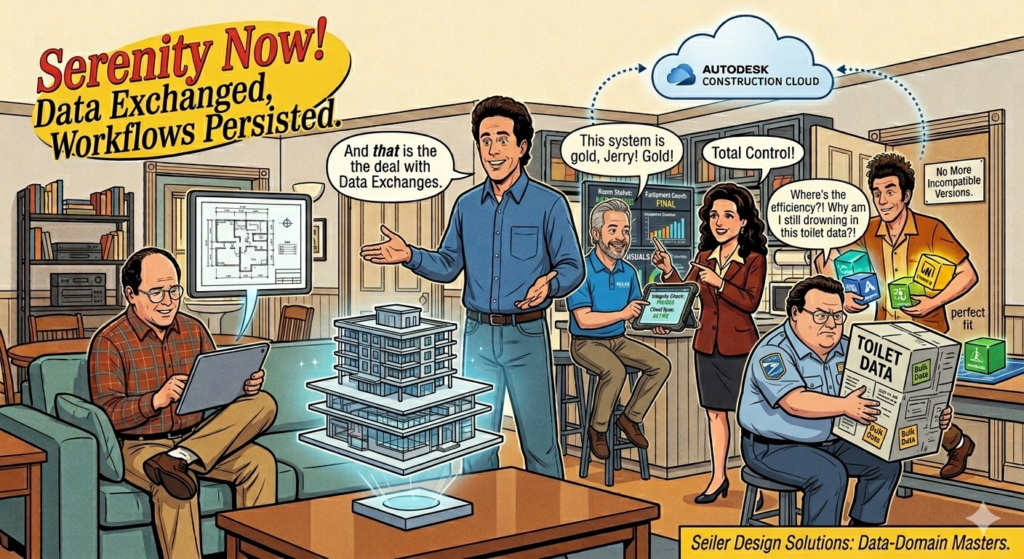
Need help setting up your ACC ?BIM360, FORMA environment or getting your Revit team up to speed? Reach out to the experts at Seiler Design Solutions (SDS). We’ll make sure your workflows are more ‘Master of Your Domain’ and less ‘Serenity Now!'”
Here is a Revit Data Exchange Connector SOP.
-
Autodesk Data Exchange Connector (Official App Store Link)


Leave A Comment